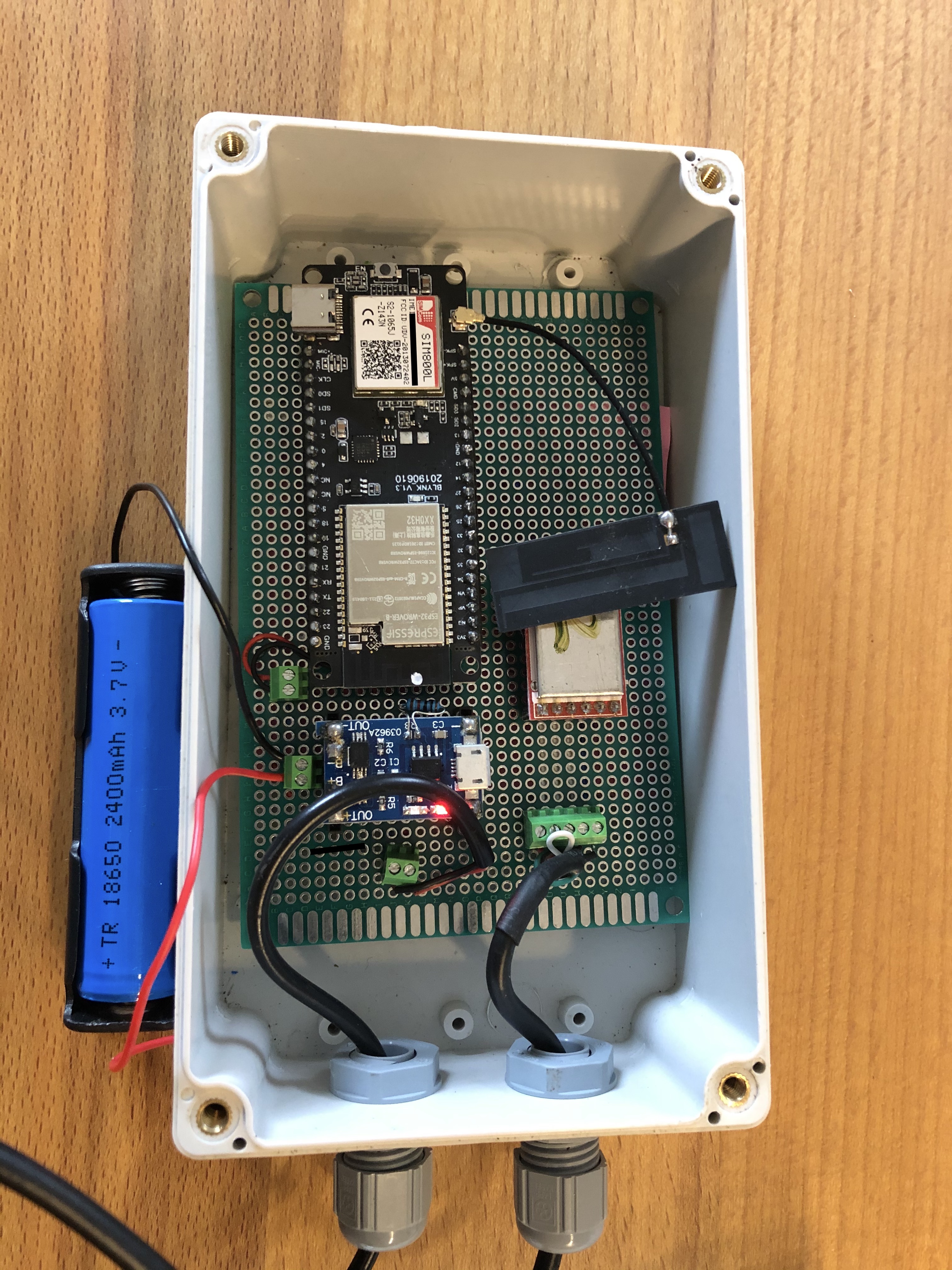
Bienenwaage 5.0 TTGO-T-CALL
About
A beehive monitor firmware for ESP32.
- Author:
Stefan Ulmer <ulmi [ät] gmx.de>
Features
Equipped for TTGO T-CALL, but suitable to run on any ESP32 device
Sensors: 2x Temperature via DS18B20, 2x Weight via HX711, Battery level via ADC
GSM/GPRS via SIM800/TinyGSM
WiFi via ESP32
Telemetry via MQTT
Documentation
Configuration
General
In order to toggle different features and modes, please have a look
at the list of #define constants at the top of the sketch.
Weight scale
Adjust SCALE_DOUT_PIN_X, SCALE_SCK_PIN_X, Taragewicht_X and Skalierung_X.
To find out about appropriate values for Taragewicht_X and Skalierung_X,
please use a weight scale adjustment sketch like
https://github.com/hiveeyes/arduino/tree/master/scale-adjust/HX711.
Temperature sensors
Adjust DS18B20_PIN and the device addresses SensorX.
WiFi
To configure WiFi SSID and credentials, please use the captive portal available on X.X.X.X when the device starts in AP mode.
GSM
To configure GSM/GPRS connectivity, please adjust the
apn[], user[], pass[] and simPIN[] variables.
MQTT
To configure MQTT telemetry, adjust the MQTT_BROKER, MQTT_PORT,
MQTT_USERNAME, MQTT_PASSWORD and MQTT_TOPIC variables.
Weather Underground
To enable Weather Underground for getting nearby temperature and humidity
information, adjust WUG_API_KEY and WUG_STATION_ID.
Build instructions
Clone git repository
# Get hold of the source code repository including all dependencies
git clone https://github.com/hiveeyes/arduino

# Select this firmware
cd node-esp32-generic
Build
The build system is based on PlatformIO.
Build firmware:
make
After successfully building it, you will find firmware images at
.pio/build/ttgo-t1/firmware.bin
.pio/build/ttgo-t1/firmware.elf
Upload to MCU
export MCU_PORT=/dev/ttyUSB0
make upload
Pictures